Repository navigation
(Desktop) LiveSplitOne not starting correctly #991
Description

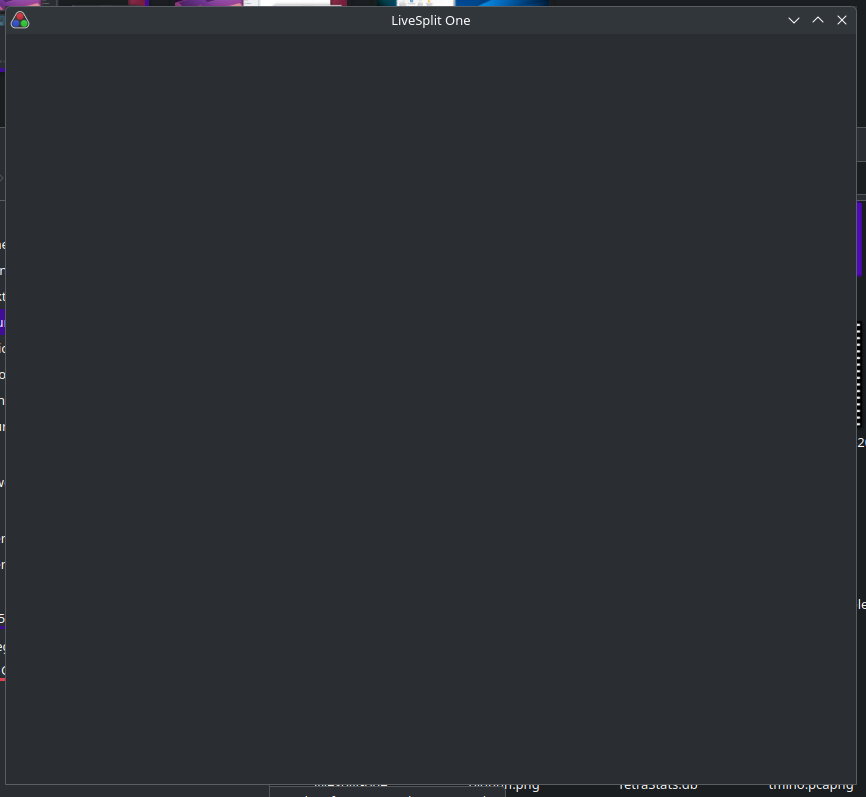
I seem to be unable to get LiveSplitOne to run. This screenshot is the best I got when running the desktop version on its own. I saw LiveSplitOne use port 8080 when using the web-version, which I built on my machine. I already got another program (Cubecoders AMP) running on that port. To run the web version on my machine, I had to change the port away from 8080 - but then it worked. Could this interfere with the desktop version as well? If yes, is there a way to change the port in the desktop version?

Activity
fily-gif commentedon Apr 26, 2025
bumping this, same issue
CryZe commentedon Apr 26, 2025
I would need a way to reproduce this. So maybe tell me your Linux distribution, window manager, Webkit-GTK version? Otherwise if you feel comfortable compiling it yourself, we could try debugging it on your machines.
fily-gif commentedon Apr 27, 2025
im on arch with a 6.14.3-zen kernel with kde plasma 6.3.4 and my webkit-gtk version seems to be 2.48.1? (searching pacman for "webkit" gives "local/webkit2gtk-4.1 2.48.1-1" as the only result.) I compiled lsone using the readme instructions, works just fine because its in the browser, how do i compile it for desktop?
Luv-Ray commentedon Jun 29, 2025
same issue on arch, using KDE Plasma 6.4.1, wayland, webkit2gtk-4.1 2.48.3-1.
also I get error message:
Could not create GBM EGL display: EGL_SUCCESS. Aborting...imyourstarrynight commentedon Jan 30, 2026
Distribution: Arch Linux (x86_64)
Desktop Environment: Plasma 6.5.5 (X11 & Wayland [Tested Both])
Window Manager: KWin
Webkit Version: 2.50.4-1
Hey, not sure if it's super useful since this issue has been open for quite some time. However, I was able to work around the
Failed to create GBM buffer of size 850x750: Invalid argumentby running the application like so:WEBKIT_DISABLE_DMABUF_RENDERER=1 ./Path/To/Livesplit. I'm pretty sure this happens specifically because of my NVIDIA GPU drivers being proprietary which just tend to run into GBM failures. So, hopefully this helps somebody who comes across this! :)